Atatat 10 inch Digital Photo Frame, Digital Picture Frame with Adjustable Brightness, Support Sleep Mode Photo Deletion,1080P Video,Slideshow, Black Black 10inch
Good Condition
1 / 2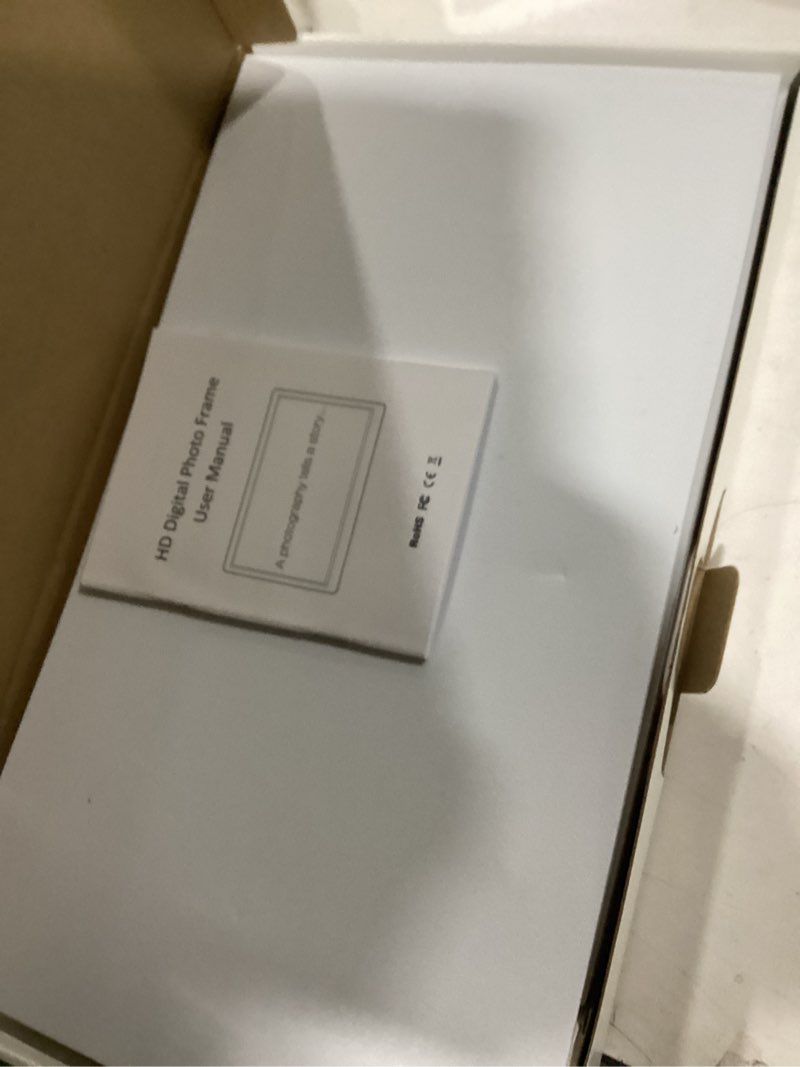

Click image to view full size
Tips for Using 1. How to Set the Date and Time ? Select "Setting" - set up "Date", "Time", "Alarm Time" 2. How to Custmoize Slideshow? ?Select "Setting" - set up "Slideshow Effect" , "Slide Speed", "Repeat Mode"" 3. How to Set Photo Size ? Select "Setting - "Display Ratio" - choose "Original" 4. How to Delete Photo ? Select "Explorer"- choose the one you want to delete -press remote's "EXIT" button for 3s and release to delete. Frequently Asked Questions 1. Why can't my SD card be recognized? Answer: Please choose 8-128GB(FAT32 format, Class 10 SD card or USB Drive, both not included). Please make sure the photo frame has been turned on first and then the insert card. 2. Why is my photo distorted? Answer: Please set the photo size to the original size in the settings.
$4.50
Price Analysis
Sign in to unlock bid recommendations
Get personalized bidding strategies, value scores, and max bid recommendations based on real market data.
Sign InCompetition Level
-